Documentation management for behavioral health practices
Notes, forms, and assessments,all handled in oneconnected workflow.
Oasys brings clinical note-writing, AI-assisted documentation, and client forms and assessments into one place, so clinicians spend less time on paperwork and more time on the work that actually needs their attention.
Documentation management features on Oasys
Write notes your way, in real time.
Take notes as the session happens, with auto-save and rich text formatting, so nothing depends on memory after the fact.
Write in Progress Note, SOAP, DAP, BIRP, or GIRP format, set a practice or personal default, and switch formats on a per-session basis.
Speak your notes during or after a session and see them transcribed in real time, appended directly with a timestamp.
Work through documentation with better data.
Our optional AI scribe turns your session transcript and in-session notes into a structured clinical note in the format you choose — then surfaces key topics, insights, and follow-ups so continuity lives in the documentation itself.
Select the therapeutic modalities used in session and add free-text instructions, so Scribe writes with the right clinical framing instead of a generic summary.
Every AI-generated note is flagged for review before being signed and locked. Edit it, regenerate it, and send completed documentation straight into your billing queue with missing actions flagged for your team.
Reach for the right assessment, not a blank page.
Assign pre-built and clinically validated assessments, like the PHQ-9 and GAD-7, the moment you need them — sorted by whether they’re system-provided, practice-shared, or your own.
Route a signable document to a client first, then to a co-signer like a guardian or therapist, so multi-step consent doesn’t require separate emails or paper.
Bundle multiple forms, assessments, and signable documents into a single reusable packet, like a full intake bundle, and send it all with one click.
Send documents and keep every assignment on track.
Send documents to a single client, a group of clients, or everyone on your caseload at once — or email a guardian or referring provider so they can complete their part without an account.
Set an assessment or check-in to go out on a schedule, like a monthly PHQ-9, so tracking progress over time doesn’t rely on remembering to resend it.
See whether a document is assigned, in progress, completed, or overdue, send a reminder when something’s been sitting too long, and review scored results color-coded by severity with trends over time.
"Oasys has significantly reduced the administrative burden on our clinicians. It's allowed them to focus more on delivering care rather than managing documentation."
 Alexandra BarillasCamino Nuevo
Give documentation back the time it takes from care.
Notes, forms, and assessments are essential, but they shouldn’t be what eats into the time you have for clients. With Oasys, paperwork supports the work instead of competing with it.
Why Oasys
What makes Oasys different.
Oasys brings therapy notes, assessments, forms, consent documents, and AI-powered documentation together in one connected workflow instead of scattering them across multiple systems.
- Notes, assessments, forms & consents together
- No scattering across multiple systems
Frequently asked questions about documentation management
Yes. Choose your preferred note format, therapeutic modalities, and additional instructions before generating a note. You can also save these preferences for future sessions with the same client.
Yes. Build custom forms from scratch, generate forms with AI, upload signable documents, or create reusable worksheets and document packets that can be shared across your practice.
Yes. Assign documents to one client, multiple clients, or your entire caseload. You can also bundle forms into reusable document packets and schedule recurring assignments.
No. Clinical session notes are only visible to the treating clinician and, when applicable, their assigned supervisor. Clients only see documents and forms that have been explicitly assigned to them.
No. AI-powered documentation is completely optional. Clinicians can use Scribe to generate a first draft, edit AI-generated notes, or write documentation entirely themselves using Oasys’ built-in note editor and templates.
No. Once a client has completed and submitted a document, their responses are locked to preserve the integrity of the record. You can still review and download the completed document at any time.
Absolutely. You can build forms manually using the form builder or use AI to generate a fully editable form from a plain-language description or an existing document.
Yes. Create custom note templates with your own sections and formatting, build reusable document templates, and choose the structure that best fits your clinical workflow.
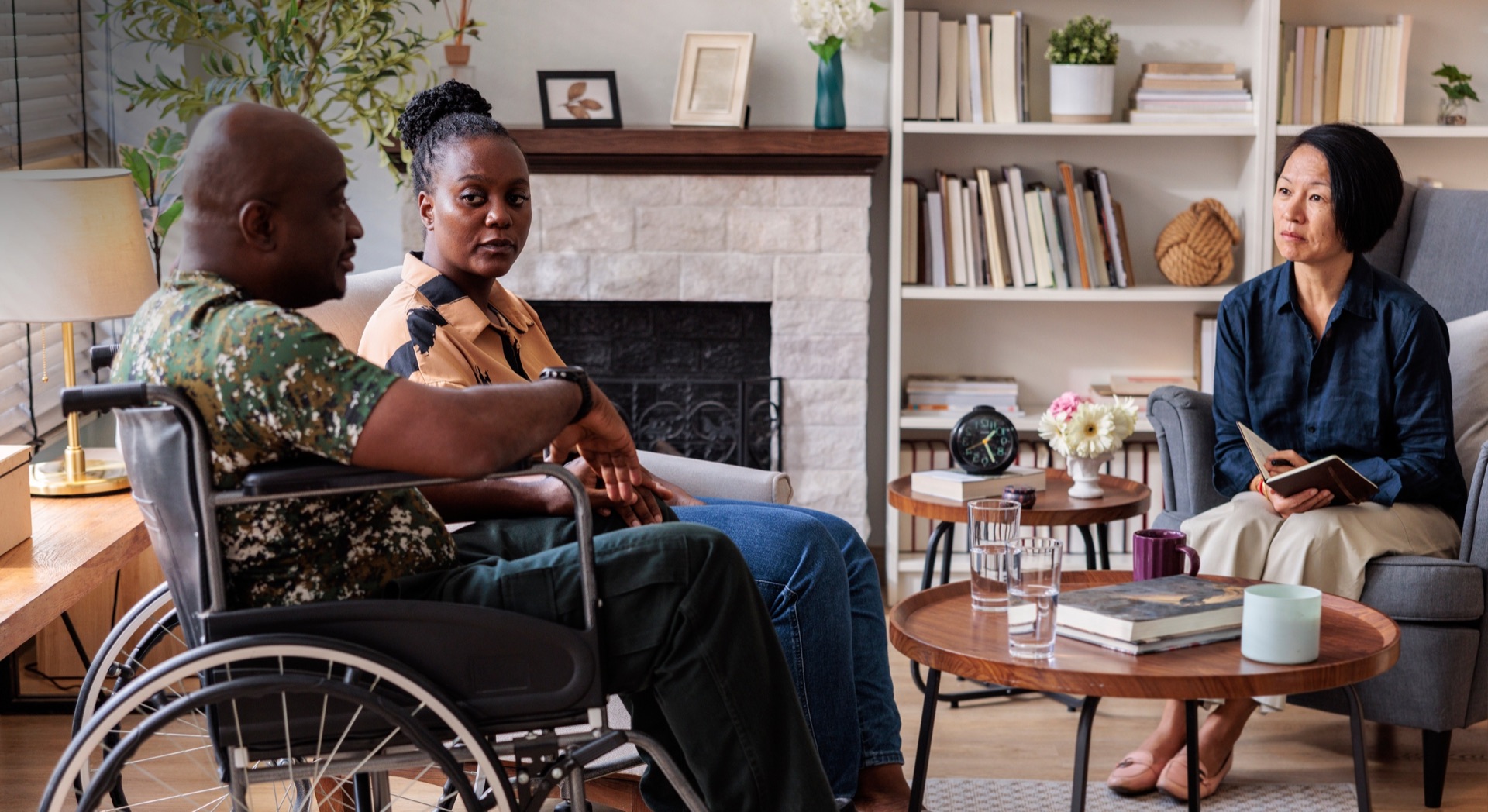
Envision your group practice supported by Oasys.
Every note, assessment, consent form, and document should fit naturally into the way your team works. Oasys brings your entire documentation workflow together so clinicians can document confidently without juggling disconnected systems.